.svg)


January 12, 2026
Marketing
Recover Facebook Business Account: Step-by-Step Guide
.svg)


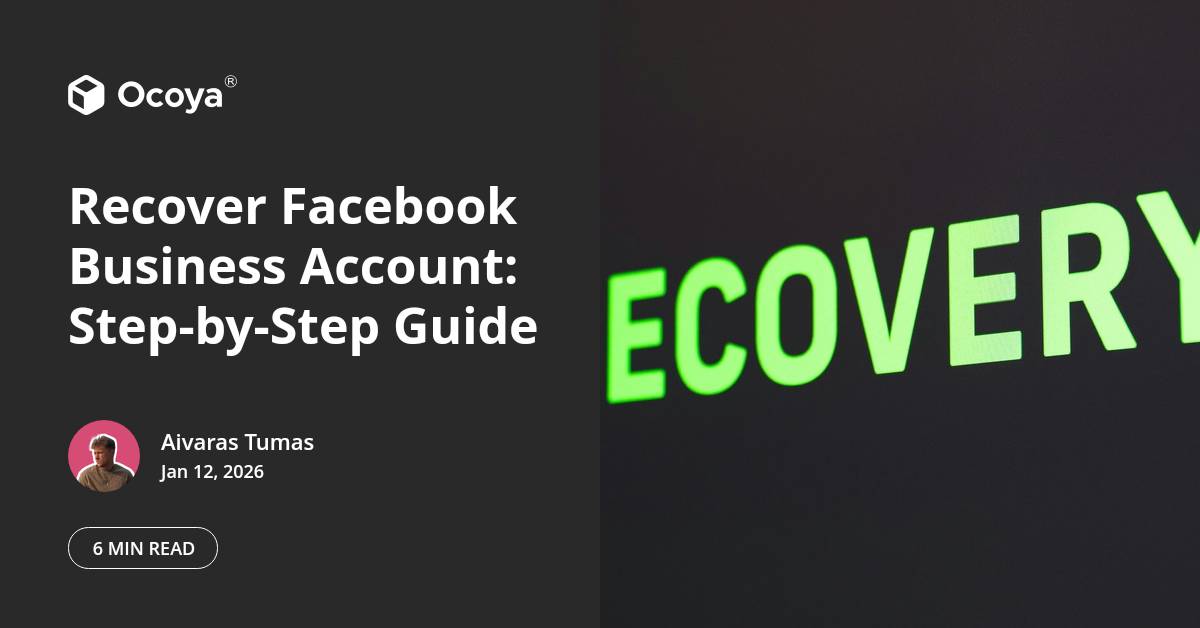
In a fast-evolving digital landscape, your Facebook Business Account is a cornerstone of your online presence. However, issues like account hacking, inadvertently being locked out, or administrative errors can cause significant disruption. Knowing how to recover a Facebook Business Account can be a lifesaver for maintaining your brand's continuity and reputation.
This comprehensive guide will walk you through the exact steps you need to take, ensuring you can quickly and confidently regain access to your Facebook Business Account.
Understanding the Importance of Your Facebook Business Account
Your Facebook Business Account is not just a social media profile; it's an essential asset for your digital marketing strategy. It allows you to connect with your audience, run ads, and gain valuable insights into your online community. Any downtime can affect your business operations, leading to lost engagement, decreased ad performance, and potential revenue loss.
Given its importance, a clear understanding of how to recover a Facebook Business Account is crucial. Let's dive into the detailed steps for recovery.
Common Reasons for Losing Access to Your Facebook Business Account
Before jumping into the recovery steps, it's essential to understand why you might be locked out of your account. Common reasons include:
Hacking Attempts: Unauthorized access by hackers can compromise your account security, leading to a lockout.
Forgotten Passwords: Not uncommon, especially if you manage multiple accounts with different credentials.
Administrative Changes: Changes in admin roles can result in loss of access if not managed accurately.
Compliance Issues: Violation of Facebook's terms and policies may result in temporary or permanent lockouts.
Initial Steps to Take Upon Realizing the Lockout
The moment you realize you're locked out, acting swiftly and methodically is crucial. Here's what you can do immediately:
Verify the Issue: Confirm whether you are truly locked out by attempting to log in through different devices and networks.
Check Emails from Facebook: Facebook usually sends notifications regarding account issues to your registered email address. Look for any messages that can provide insights into the problem.
Reach Out to Other Admins: If you are not the sole administrator, contact other admins to see if they have noticed any issues or if they can help regain access.
Using Facebook's Account Recovery Tools
Facebook offers several built-in tools for account recovery. Here’s how to utilize them effectively:
Recovering a Hacked Account
If you suspect that your account has been hacked, follow these steps:
Report the Issue: Go to the Facebook Hacked Recovery Page. Facebook will ask you to enter the email address or phone number associated with your account.
Verify Your Identity: Facebook may prompt you to verify your identity by answering some security questions, identifying recent comments/posts, or by providing a government-issued ID.
Secure Your Account: Once you've proven your identity, you will be asked to change your password and review recent login activity to ensure no unauthorized access.
Resetting a Forgotten Password
If you've simply forgotten your password, follow these steps:
Visit the Facebook Login Page: Click on the "Forgotten account?" link.
Enter Your Information: Input the email address or phone number associated with your account.
Receive Recovery Options: Facebook will send a code to your registered email or phone, which you can use to reset your password.
Set a New Password: Choose a strong, unique password that you haven't used before.
Requesting Support from Facebook
If self-service options do not work, you may need to request direct support from Facebook:
Submitting a Support Request
Follow these steps:
Access the Help Center: Go to the Facebook Business Help Center.
Locate the Relevant Section: Navigate to the section that closely matches your issue (e.g., "Account Disabled," "Hacked Account").
Submit a Form: Fill out the provided form with as much detail as possible. Include relevant screenshots and describe your issue in detail.
Engaging with Facebook Support
While waiting for a response, keep the following tips in mind:
Be Patient: Facebook handles a high volume of support requests, so response times can vary.
Check Emails Regularly: Ensure you check your email (including the spam/junk folder) regularly for communications from Facebook support.
Follow Up: If you don't hear back within the suggested timeframe, don't hesitate to follow up on your request to express the urgency of your issue.
Preventing Future Lockouts
While knowing how to recover your Facebook Business Account is invaluable, preventing lockouts in the first place is even better. Here are some essential tips to safeguard your account:
Enable Two-Factor Authentication (2FA)
Two-Factor Authentication adds an extra layer of security by requiring not just a password but also a secondary mode of verification (like a code sent to your phone).
Regularly Update Passwords
Changing your passwords periodically can reduce the risk of hacking. Ensure these passwords are strong and not reused across multiple platforms.
Limit Administrative Access
Only grant admin rights to trusted individuals and regularly review these permissions. Add more than one admin to avoid single points of failure.
Documenting Your Recovery Process
After regaining access, documenting the steps you took can be extremely beneficial should another lockout occur. Here’s what to include:
Detailed Steps Taken: Write down each step, including the links visited and forms submitted.
Support Communications: Save copies of any emails or messages exchanged with Facebook support.
Leveraging Tools to Manage Your Social Media Efficiently
Besides knowing how to recover a Facebook Business Account, using effective tools can make managing your social media presence more seamless and less prone to issues.
An all-in-one solution like Ocoya can revolutionize your approach. Ocoya leverages AI to streamline your social media marketing, offering automated content creation, scheduling across multiple platforms, and in-depth analytics to track performance. This can significantly reduce the risk of admin errors that might lead to account lockouts.
Ocoya's user-friendly interface and advanced features make it an ideal solution for businesses looking to enhance their online presence. For a comprehensive digital marketing approach, you can try Ocoya for free today.
Key Takeaways
Knowing how to recover your Facebook Business Account is essential for maintaining your brand’s online presence. Here are the core tips to remember:
Verify the Issue immediately by checking multiple devices and networks.
Utilize Facebook’s built-in recovery tools for hacking or forgotten passwords.
Contact Facebook Support if self-service methods fail.
Enable Two-Factor Authentication to enhance account security.
Regularly update passwords and manage admin access meticulously.
Invest in tools like Ocoya to streamline your social media management and minimize admin errors.
Continue Reading
The latest handpicked blog articles.