.svg)


December 30, 2025
Marketing
Sell on Instagram Using Etsy: A Complete Guide
.svg)


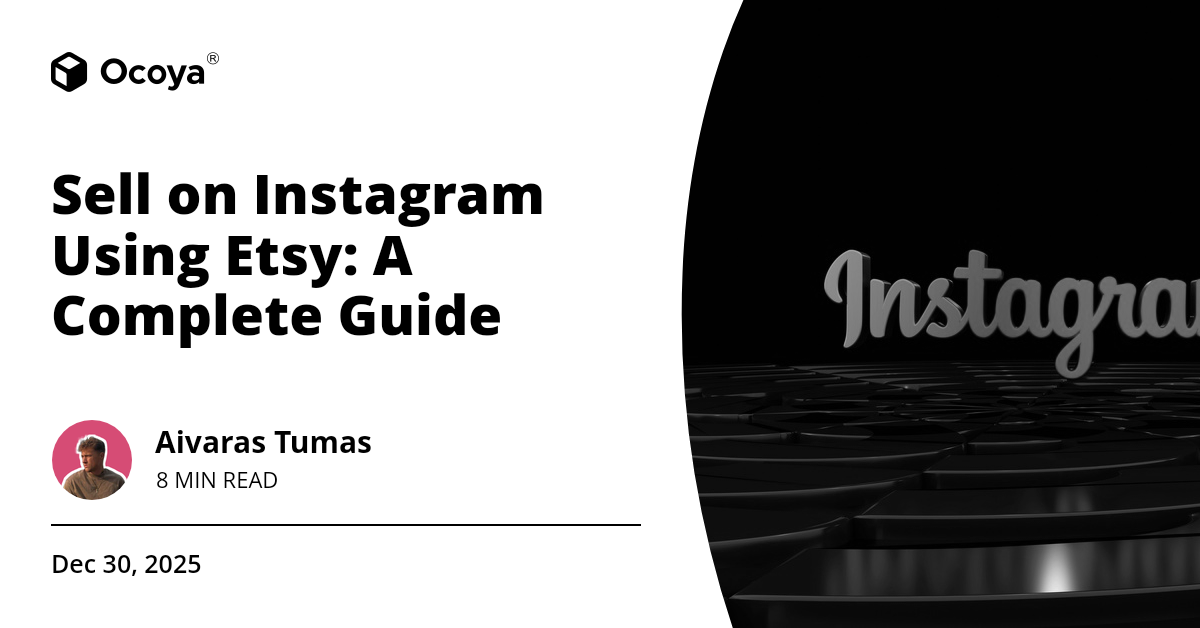
In today's dynamic digital landscape, merging platforms like Instagram and Etsy can open the floodgates to vast opportunities for small business owners, artisans, and creatives. Instagram, with its visually immersive experience, is the perfect stage to showcase the unique creations that typically find their home on Etsy, a platform renowned for its hand-crafted, vintage, and personalized items. So how do you effectively navigate these platforms to harmonize them for business growth? Let's dig in.
Understanding the Synergy Between Instagram and Etsy
Before diving headfirst into strategies, it’s essential to understand why Instagram and Etsy make such a powerful pair. Instagram excels at visual storytelling, bringing products to life through high-quality images and videos. It’s a platform where aesthetics matter, echoing the core attributes of countless Etsy shops. Etsy, on the other hand, is a marketplace that's tailored for selling unique and handmade products. When combined, Instagram can drive traffic to your Etsy store while Etsy can leverage Instagram's massive user base for higher visibility.
Why Instagram?
Instagram boasts over a billion active users per month, which is an enormous audience. More importantly, Instagram has a highly engaged user base. The platform’s features such as Stories, IGTV, Reels, and Shopping make it easier than ever to interact with potential customers in creative ways. Businesses use Instagram to fuel brand awareness, loyalty, and even direct sales through the Instagram Shopping feature.
Why Etsy?
Etsy is synonymous with uniqueness. It’s a platform that attracts a different kind of shopper—one who is looking for something that stands out, something personalized, or something handmade. With over 4.3 million sellers and more than 81 million active buyers as of 2021, Etsy's marketplace provides an incredible opportunity for artisans, designers, and small businesses to reach an audience that appreciates handmade craftsmanship.
Setting Up Your Instagram for Business
Successfully selling on Instagram using Etsy starts with solid groundwork. Your Instagram account must be optimized to attract and engage potential customers.
Switch to a Business Account
The first step is to switch your Instagram account to a business account. This provides you with a range of insights and tools that are essential for running a business. You'll get access to Instagram Insights, which offers valuable data on how your posts are performing and who is engaging with your content. This is crucial information for tailoring your posts to your audience.
Optimize Your Bio
Your bio is the first thing people see when they visit your profile. It should be succinct yet informative, conveying who you are and what you do. Include a CTA (Call to Action) like “Shop My Etsy,” and use the link space to direct traffic straight to your Etsy store. Emojis and a chic aesthetic that aligns with your brand can make your bio more appealing.
Create a Compelling First Impression
Your Instagram feed is essentially your visual storefront. It’s imperative that your images are high-quality and align with your brand’s aesthetic. Consistency in theme, color palette, and style can make your feed more visually cohesive, which is more likely to attract and retain followers.
Building Your Brand on Instagram
Building a strong brand identity on Instagram takes time and effort, but it is crucial for success. Your brand should reflect who you are, what you create, and the value you provide to your customers.
Crafting Your Brand Story
Your brand story is the narrative that communicates who you are and what you stand for. Consider sharing the story behind your products—how they are made, the inspiration behind them, and the process of creating them. Personal stories resonate with people and can transform followers into loyal customers.
Utilizing Instagram Stories and Highlights
Instagram Stories are an excellent way to engage with your audience in a more informal, personal way. Use Stories to share behind-the-scenes content, upcoming product launches, or user-generated content. Highlights allow you to keep these stories on your profile longer than 24 hours, making it easier for new followers to catch up on your brand’s journey.
Engaging with Your Audience
Engagement is key to building a loyal community around your brand. Respond to comments and messages, host Q&A sessions, and use interactive stickers in your Stories like polls, questions, and quizzes. Engaged followers are more likely to become paying customers.
Creating High-Quality Content
The content you share on Instagram plays a massive role in determining your success. High-quality photos and videos can make your profile more appealing and help you stand out in a crowded marketplace.
Photography Best Practices
Investing time and effort into photography can make a significant difference in how your products are perceived. Natural lighting, good composition, and clear focus are important. Use props and backgrounds that complement your products without distracting from them.
Video Content
Videos can be more engaging than photos and can show your products in a different light. Create short product demos, unboxings, or behind-the-scenes content to provide a fuller picture of your offerings. Instagram Reels, which allows you to create 15-30 second videos, is an excellent tool for this.
Consistency and Quality
Consistency in posting high-quality content is crucial. Use scheduling tools to plan your posts in advance and maintain a regular posting schedule. This ensures that you stay top-of-mind with your audience.
Leveraging Instagram Shopping
Instagram Shopping is a powerful feature that allows you to tag your products in your posts and Stories, making it easier for followers to purchase directly from Instagram.
Setting Up Instagram Shopping
To use Instagram Shopping, you need to have an approved Business account and a product catalog associated with your Facebook page. You can create this catalog on Facebook Business Manager and link it to your Instagram account.
Tagging Products
Once your Instagram Shopping feature is set up, you can start tagging products in your posts and Stories. This makes it easy for followers to view product details and prices directly on Instagram and click through to make a purchase on Etsy.
Utilizing User-Generated Content
User-generated content (UGC) can be more trustworthy and engaging than traditional marketing. Encourage your customers to share photos of your products and tag your Instagram handle. Share this content on your own profile to build trust and showcase real-life applications of your products.
Running Contests and Giveaways
Contests and giveaways can generate significant engagement and attract new followers. Encourage participants to follow you, like the post, and tag friends for a chance to win. This not only increases your reach but also fosters community engagement.
Collaborations and Influencer Partnerships
Collaborating with influencers or other brands can expose your profile to a broader audience. Look for influencers whose followers align with your target market. Partnering with them for product reviews, giveaways, or sponsored posts can drive new traffic to your Instagram profile and Etsy store.
Driving Traffic from Instagram to Etsy
Ultimately, your goal is to drive traffic from Instagram to your Etsy store, where followers can make purchases. Here are some strategies to effectively convert Instagram engagement into Etsy sales.
Call to Actions
Clear and compelling CTAs encourage your followers to take the next step. Whether it’s “Check out our latest collection on Etsy” or “Shop now via the link in bio,” incorporating CTAs in your posts and Stories can guide potential customers to your Etsy store.
Instagram Ads
Instagram Ads can significantly boost visibility and drive traffic to your Etsy store. Use targeted ads to reach people who might be interested in your products. Instagram’s robust targeting options allow you to reach specific demographics based on interests, behavior, and location.
Utilizing Instagram Analytics
Analytics can provide invaluable insights into what is working and what isn’t. Tracking metrics like engagement rate, reach, and website clicks can help you refine your Instagram strategy for better results. Make informed decisions based on data to continuously improve your approach.
Harnessing the Power of Automation Tools
Managing Instagram and Etsy concurrently can be time-consuming. That’s where automation tools come in handy. These tools can streamline your processes, making it easier to maintain a consistent and effective presence on Instagram without overwhelming you.
The Role of Automation Tools
Automation tools can handle various aspects of your Instagram marketing, from scheduling posts to analyzing performance data. They allow you to plan and schedule content ahead of time, ensuring you maintain a regular posting schedule without the daily effort. They can also provide analytics and insights to help you understand what content resonates with your audience.
Introducing Ocoya
Ocoya is an all-in-one content marketing solution designed to streamline your social media marketing efforts with AI. With Ocoya, you can create, schedule, and analyze your Instagram posts seamlessly, all from one platform. Its automated content creation capabilities mean that you can produce high-quality content efficiently, while the advanced analytics feature ensures you’re always on top of your performance metrics. Try Ocoya for free today and transform your Instagram and Etsy integration.
Sign up for a free trial of Ocoya to elevate your social media marketing and effortlessly manage your Instagram and Etsy integration.
Conclusion
Successfully selling on Instagram using Etsy is all about leveraging the strengths of both platforms. Instagram offers a visually rich environment to showcase your products, engage with your audience, and drive traffic to your Etsy store. Etsy, with its dedicated audience seeking unique, hand-crafted items, provides the perfect marketplace for your products.
By optimizing your Instagram profile, building a strong brand, creating high-quality content, utilizing Instagram Shopping, and engaging with your followers, you can create a seamless sales funnel that drives traffic and sales to your Etsy store. Don’t forget the power of automation tools like Ocoya to manage your social media efforts efficiently and effectively.
Key Takeaways
- Switch to an Instagram business account and optimize your bio.
- Create a compelling brand story that resonates with your audience.
- Produce high-quality photos and videos to showcase your products.
- Utilize Instagram Shopping to tag products in posts and Stories.
- Encourage user-generated content and engage with your audience.
- Use Instagram ads and clear CTAs to drive traffic to your Etsy store.
- Leverage automation tools like Ocoya to streamline your social media marketing efforts.
Continue Reading
The latest handpicked blog articles.